
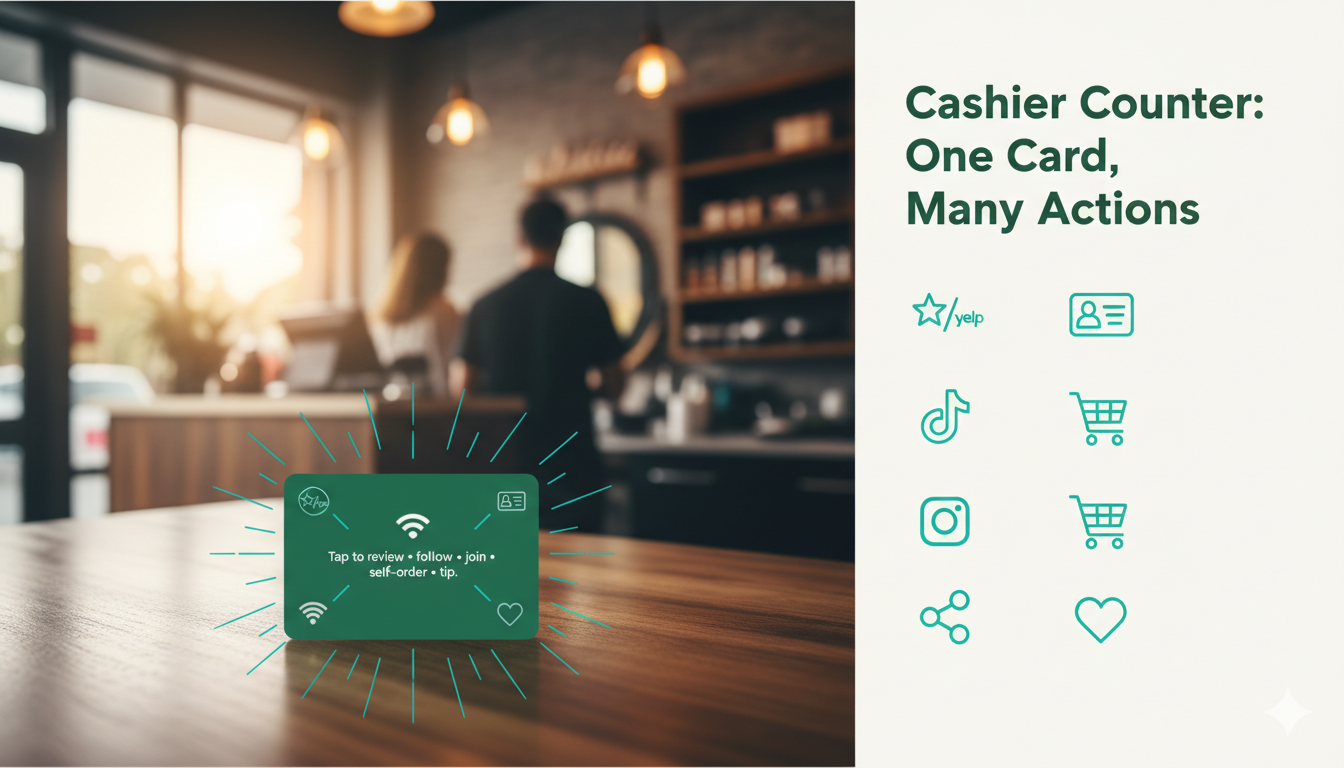
Local service counters are busy—but underutilized. With one NFC card at the cashier counter, you can trigger reviews, social follows, memberships, ordering, and tipping in one tap, with tracking.
Table of contents
- What “One Card, Many Actions” Means at the Cashier Counter
- Core Value: Solving Real Pain Points
- Implementation: Methods, Steps, and Measurement
- Configure actions and placements
- Launch checklist
- Pitfalls to avoid
- What to measure
- Tapget Mapping: Actions by Scenario
- Compliance: Reviews, Incentives, Privacy, and UX
- Mini Case & In‑Store Scripts
- FAQ
- CTA
What “One Card, Many Actions” Means at the Cashier Counter
A single NFC/QR card placed at your cashier counter (or reception/front desk) becomes a multi‑action hub. Customers tap once to leave a compliant Google/Yelp review, follow your social profiles, join memberships, connect to WiFi, self‑order add‑ons, tip staff, or share with friends—each action optimized and trackable.
Core Value: Solving Real Pain Points
- Pain points: Low review velocity, inconsistent staff asks, slow queues, weak social growth, untracked promos, and missed repeat orders.
- Solution framework: Place Tapget touchpoints at high‑intent moments—counter, tables/waiting areas, window/posters, receipts/delivery packaging—routing to a one‑tap action set: reviews, social follows, memberships, WiFi connect, self‑ordering, coupons/limited offers, buy deals, lucky draw, add staff contact, share with friends, customized page, staff tipping, and subscribe to events.
- Quantifiable lift: Reducing queue friction with self‑ordering and clear counter prompts commonly increases orders by 8–15%. Example: 40 orders/day, +10% at $22 AOV ≈ $2,640/month incremental revenue.
Implementation: Methods, Steps, and Measurement
Configure actions and placements
- Cashier counter / reception desk: Tap‑to‑review, tap‑to‑follow, membership signup, staff tipping.
- Tables / waiting areas / fitting rooms: Self‑ordering, coupons/limited offers, lucky draw, WiFi connect, customized page.
- Window displays / posters / banner stands: Social follows, subscribe to events, share with friends.
- Receipts / delivery packaging: Reorders, buy deals, post‑service review prompt, add staff contact.
- Staff badges: Tipping and contact sharing after service completion.
Launch checklist
- Define KPIs: Choose 1–2 primary goals (reviews, orders, follows) per placement.
- Configure Tapget: Brand your customized page; set deep links for Google/Yelp; add social profiles; build self‑ordering menus/services; connect memberships.
- Tag placements: Use per‑placement IDs/UTMs for the counter, tables, posters, and delivery packaging to attribute conversions.
- Train staff: A 10‑second cashier script; when to point customers to waiting‑area actions; tipping etiquette.
- Pilot and iterate: Test copy hierarchy, button order, and optional engagement (e.g., lucky draw) within policy limits.
Pitfalls to avoid
- Crowding too many actions into one view—prioritize the top goal per placement.
- Incentivizing reviews (e.g., rewards for positive ratings), which violates platform rules.
- Slow pages or unclear pricing in self‑ordering flows.
- Missing attribution—no per‑placement IDs means you can’t optimize.
- Weak signage—customers don’t know where to tap.
What to measure
- Reviews: monthly volume and rating trend; prompt view‑to‑completion rate; platform mix (Google/Yelp).
- Orders: self‑ordering adoption; throughput time; AOV changes; add‑on attachment rate.
- Social/memberships: follow and signup conversion rate by placement; retention/return visit rate.
- Promos/referrals: coupon redemption; share‑with‑friends usage; deal purchases.
- Tipping: tip rate and amounts per staff badge; impact on satisfaction.
Tapget Mapping: Actions by Scenario
- Cashier counter:
- Tap‑to‑review increases review velocity with neutral, compliant asks.
- Tap‑to‑follow drives Instagram/TikTok growth at checkout.
- Membership signup captures consented data for repeat offers.
- Staff tipping recognizes service quality and boosts morale.
- Tables / waiting areas:
- Self‑ordering reduces wait and enables add‑on upsells.
- WiFi connect with consent collects emails; lucky draw/coupons drive engagement.
- Window / posters:
- Subscribe to events, follow, and share with friends convert foot traffic.
- Receipts / delivery packaging:
- Reorder, buy deals, and post‑service review prompts extend the lifecycle.
- Staff badges:
- Add staff contact (B2B/local services) and tipping post‑service.
Every placement is trackable. Compare counter vs. tables for review completion, or posters vs. counter for new follows, and allocate signage accordingly.
Compliance: Reviews, Incentives, Privacy, and UX
- Reviews (Google/Yelp): Ask for honest feedback; never condition rewards on ratings/content; avoid gating (e.g., only inviting happy customers).
- Incentives: Engagement (e.g., lucky draw) must be unrelated to star ratings or review content.
- Privacy: For WiFi and memberships, disclose data use, gain consent, and provide opt‑out; collect only what’s necessary.
- UX best practices: Fast load, minimal steps, clear buttons, platform‑appropriate deep links, mobile‑first design, and consistent branding.
Mini Case & In‑Store Scripts
- Mini case: A neighborhood repair shop placed a one‑card NFC hub at the cashier counter for reviews and follows, plus self‑ordering of add‑on diagnostics in the waiting area. Orders rose ~10%, adding about $2,640/month, and monthly reviews grew from 12 to 34 using neutral prompts and no incentives.
- Scripts:
- Review ask (counter): “If today’s service helped, tap here to share honest feedback on Google or Yelp—it takes 10 seconds.”
- Follow/share (poster): “Tap to follow and share with a friend—unlock this week’s limited offer.”
- Order add‑ons (waiting area): “Tap to self‑order diagnostics and grab today’s coupon before you’re called.”
FAQ
- How does one card trigger many actions? The card opens a Tapget hub with buttons for reviews, follows, memberships, self‑ordering, WiFi connect, tipping, and more—optimized for quick completion.
- Can we track performance by placement? Yes. Use per‑placement IDs/UTMs to attribute reviews, orders, follows, and tips to counter, tables, posters, or delivery packaging.
- Will adding actions slow checkout? No—prioritize the top goal at the counter and move secondary actions to waiting areas, posters, or receipts.
- Is this compliant with Google/Yelp? Yes—use neutral language, no rewards tied to ratings, and allow customers to choose their platform.
- How fast can we launch? With prebuilt templates, most local services can configure the hub, tag placements, and train staff in under an hour.
- Does it work beyond restaurants? Absolutely—salons, clinics, repair shops, fitness studios, and spas benefit from counter and waiting‑area flows.
- What about WiFi/membership privacy? Disclose data use, gain consent, provide opt‑out, and limit collection to essentials.
- Do we need to change our POS? No—Tapget complements your current POS with NFC/QR entry points and trackable actions.
CTA
Configure Tapget, place one card at your cashier counter, add table/poster/delivery touchpoints, and launch a unified review + social + ordering flow with tracking to prove ROI.

Leave a Reply